
Collection Management
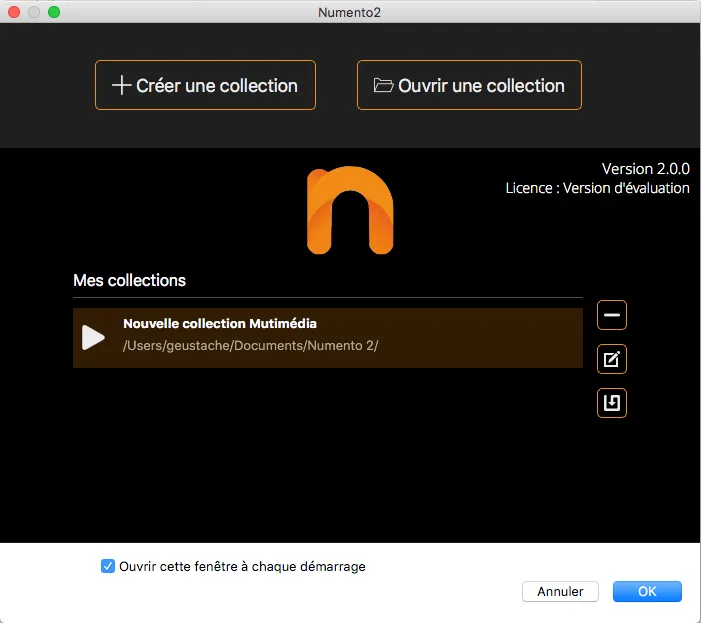
Create a new collection
On the home page, click the "Create a collection" button
A selection of predefined collections is available
Delete a collection
- Select a collection from the list and click on the button.
- Click "OK" in the confirmation window to delete your collection from the list.
NOTE: The items in your collection will not be permanently deleted from your computer; a simple tilde character will be added to the name of the collection.
To permanently delete your collection, go to the "Documents/Numento2" folder and manually delete the folder with the name of your collection.