Customizing your collection
A collection is made up of card templates. Each template has fields (text, number, image, etc.).
Accessing general collection settings
To access the general settings for the collection, use the button below:
Layout organization
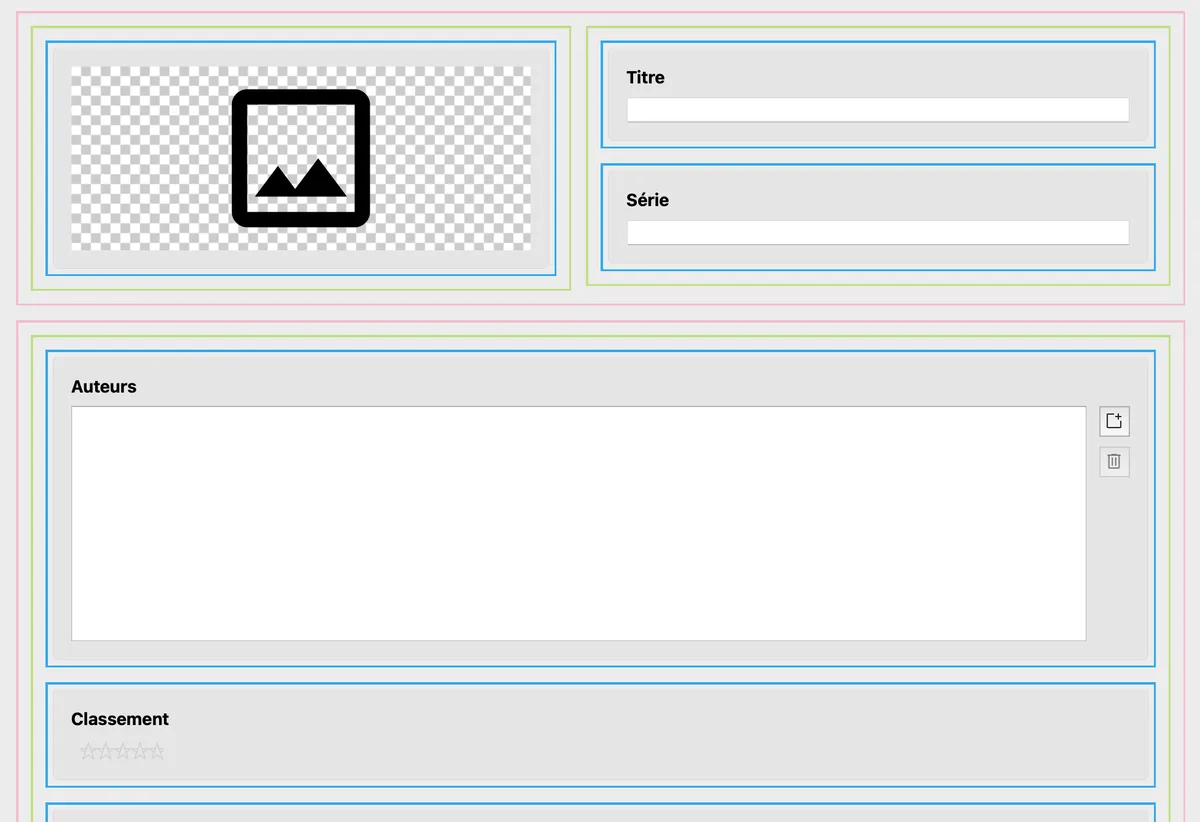
Each page is organized into rows (pink) containing columns (green).
Each column can contain new rows as well as fields.
This allows you to customize the layout according to your needs.
Lines and columns can be added by dragging and dropping using the "Add a line" and "Add a column" buttons.
You can add tabs to your pages to better organize your fields.
Field management
When editing the template, you have access to different types of fields to add.
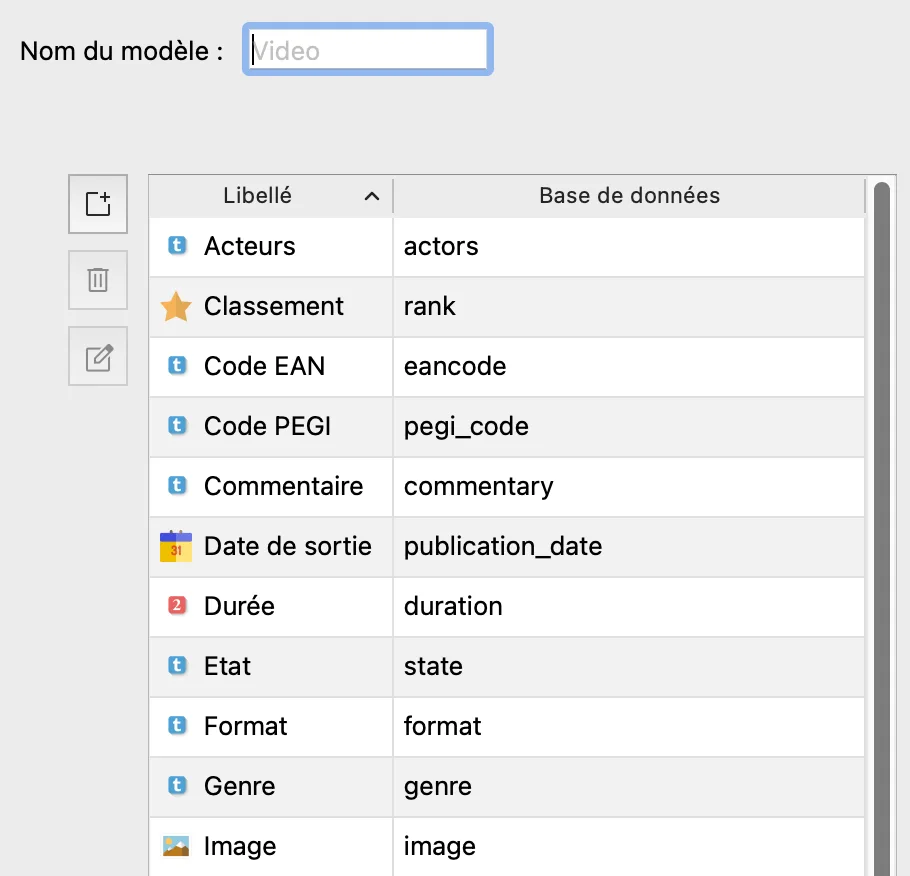
Fields can be reorganized by dragging and dropping them directly in the list. Each field is editable, in particular to change its label.
The name of a field cannot be changed in the database once it has been created.
If you delete an item from this list, the associated data will be permanently lost.
Themes for web import
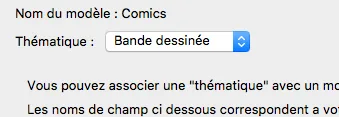
Themes play an essential role when importing via web connectors. For example, an import into the "Books" theme will automatically add certain fields specific to books.